
Web app
SPYBALL CONNECT on the web
The same account as on your phone, on a bigger screen: your vehicles on the map, their trips and your alerts — from any browser.
- Log in
- Every vehicle on the map
- Pick a vehicle
- Replay its trips
- Daily report
One account
Log in with the same email and password as the SPYBALL CONNECT mobile app.
A bigger screen
Follow your vehicles and look back over their trips at your desk.
Nothing to install
It runs in the browser on any computer — handy for keeping an eye on a fleet.
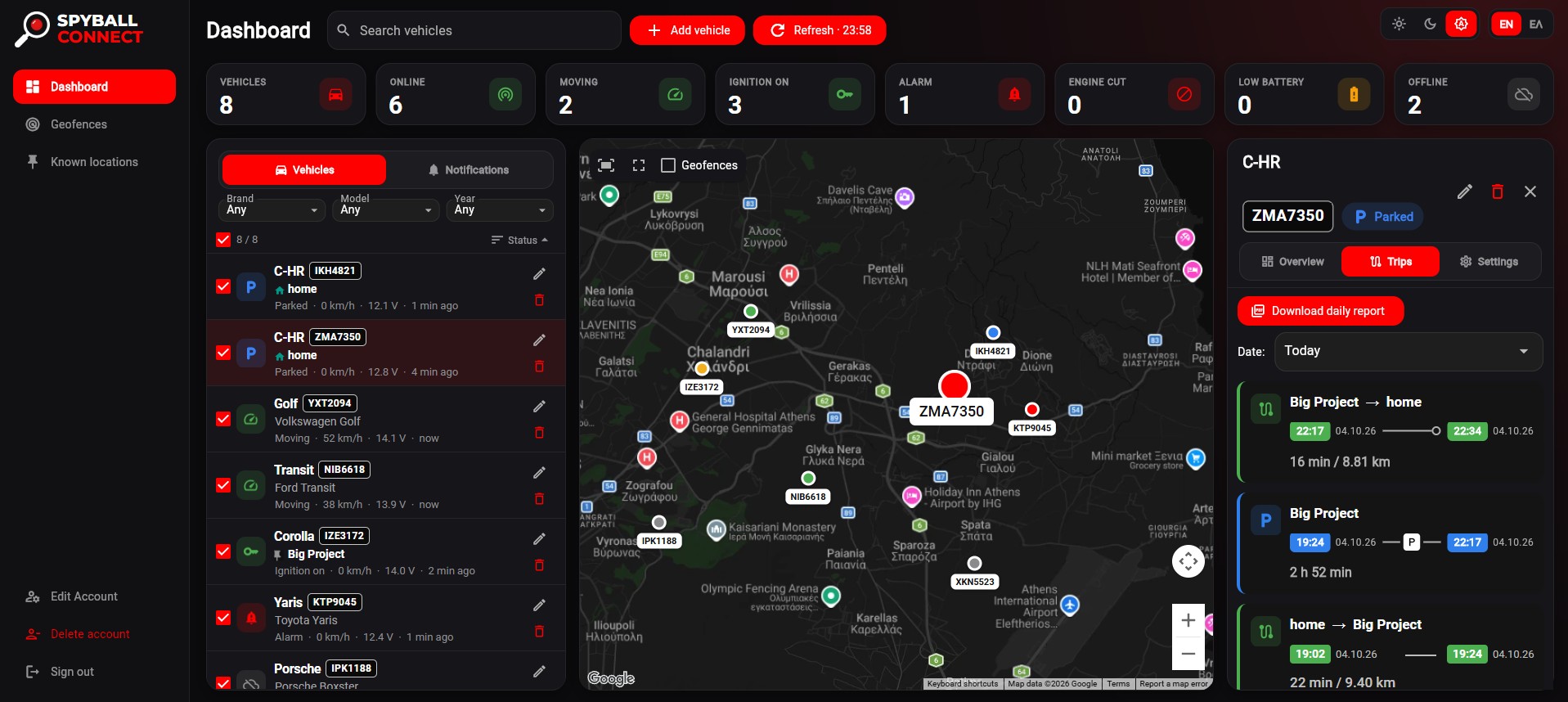

Fleet at a glance
- Vehicles
- 8
- Online
- 6
- Moving
- 2
- Alarm
- 1
Example from the dashboard
Latest trip
Big Project → home
16 min · 8.81 km
Download the daily report
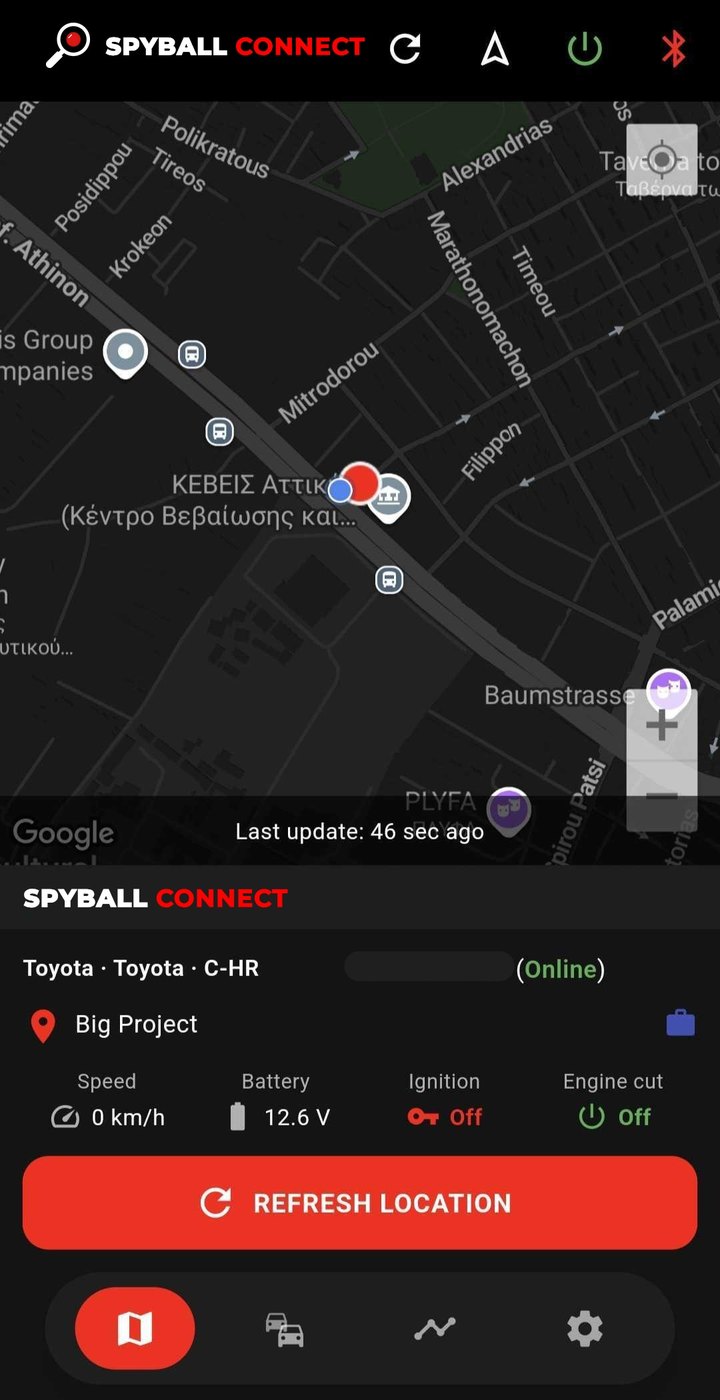
On the move? Get the app
For iPhone and Android. Scan the code for your phone or tap the store button.




Scan with your phone’s camera.